Connect list
This is a Scorm dragging interaction where the user must match items in one list with items in another by connecting the lines. It stores its value in cmi.interactions under the specific id. It supports read and write in both Scorm 1.2 and 2004.
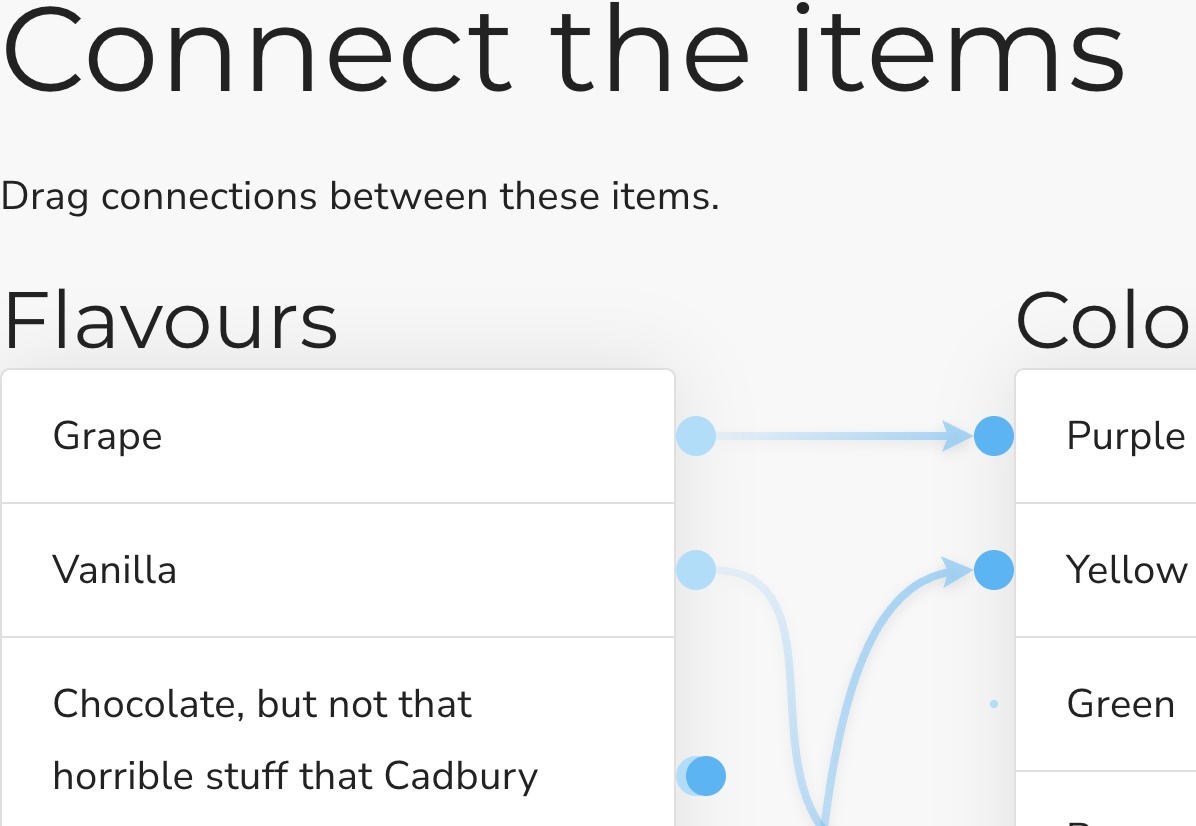
example
Initialisation code used in this example:
  window.riseSCORMBridgeConfig = {
    token: "88945b9ade74817fa8b78a92960b04e3",
    question: "Connect the items from the list on the left to their counterparts on the right:",
    distractors: {
      order: "random",
      plugs: {
        label: "Source",
        items: [
          {"a": "Grape"},
          {"b": "Vanilla"},
          {"c": "Chocolate, the good kind"},
          {"d": {mediaAbove:"https://images.unsplash.com/photo-1534308983496-4fabb1a015ee?ixlib=rb-1.2.1&ixid=eyJhcHBfaWQiOjEyMDd9&auto=format&fit=crop&w=400&q=60&z=.jpg"}},
          {"e": "Lemon"},
          {"f": "Lime (Starburst flavour)"}
        ]
      },
      sockets: {
        label: "Destination",
        items: [
          {"g": "Black (raw)"},
          {"h": "Brown"},
          {"i": "Purple"},
          {"j": "Yellow"},
          {"k": {mediaBelow:"https://images.unsplash.com/photo-1527856263669-12c3a0af2aa6?ixlib=rb-1.2.1&ixid=eyJhcHBfaWQiOjEyMDd9&auto=format&fit=crop&w=400&q=60&z=.jpg"}},
          {"l": "Green"}
        ]
      }
    },
    correct: "a=i,b=g,c=h,d=k,e=j,f=l",
    feedback: {
      correct: "That is the correct answer.",
      incorrect: "Sorry you've only made spaghetti"
    }
  }
How it looks:
Usage:
- Generate a token (this is used by scorm 1.2)
- Download the zip for the interaction (use button above example)
- Insert & modify the token initialisation code into the Custom Javascript code (parameter reference)
- Publish your package using Scorm & run it in a LMS