Long text entry
This is a Scorm interaction for storing a long text entry. It stores its value in cmi.interactions under the specific id. It supports read and write in both Scorm 1.2 and 2004.
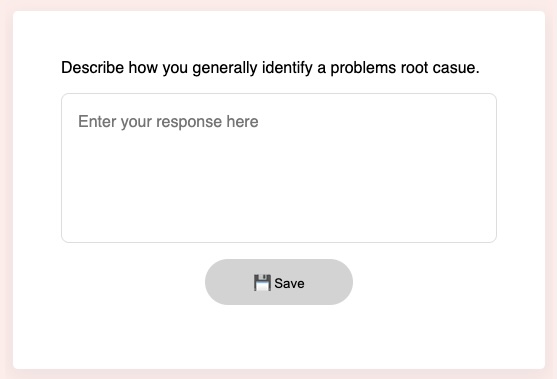
example
Initialisation code used in this example:
  window.riseSCORMBridgeConfig = {
    token: "88945b9ade74817fa8b78a92960b04e3",
    question: "Write a essay of about 300 words on this topic.",
    mediaAbove: "https://placehold.co/300x100/orange/white/jpg/?text=The+environment.jpg",
    feedback: "✅ Thanks, i'm sure it was informative.",
    required: '100w', // 100 = 100 characters; 100w = 100 words; 100l = 100 lines;
    placeholder: "Enter your essay here. Remember to use a classic essay structure."
  }
How it looks:
Usage:
- Generate a token (this is used by scorm 1.2)
- Download the zip for the interaction (use button above example)
- Insert & modify the token initialisation code into the Custom Javascript code (parameter reference)
- Publish your package using Scorm & run it in a LMS