Single choice
This is a Scorm interaction for choosing one between many possible options. It stores its value in cmi.interactions under the specific id. It supports read and write in both Scorm 1.2 and 2004.
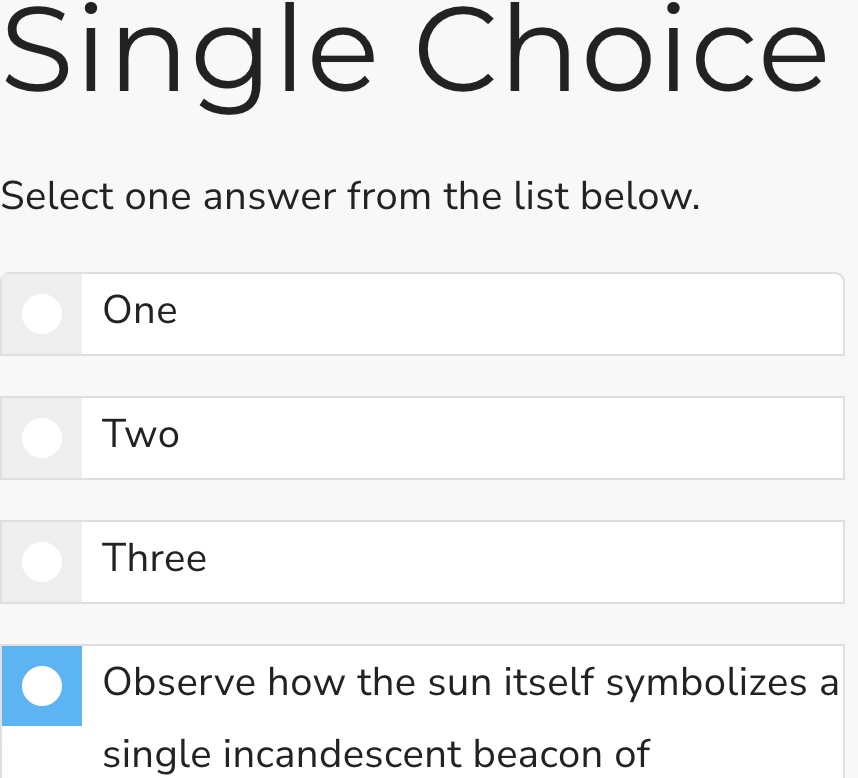
example
Initialisation code used in this example:
  window.riseSCORMBridgeConfig = {
    token: "88945b9ade74817fa8b78a92960b04e3",
    question: "A man, a horse and a baboon walk into a bar, and the barkeep says:",
    mediaAbove: "https://dma0ixu6zshxu.cloudfront.net/wp-content/uploads/20200422121425/assorted-wine-bottles-1283219-720x405.jpg",
    feedback: "You seem to know your taxi driver jokes",
    distractors: {
      order: "natural",
      items: [
        { "a": {
            text: "A. It's not going to be a funny joke"
            }},
        { "b": {
            text: "B. I will have heard something like it before",
            mediaBelow: "https://placehold.co/400x100/orange/white/jpg/?text=B.jpg"
            }},
        { "c": {
            text: "",
            mediaBelow: "https://placehold.co/400x100/darkgreen/white/webp/?text=C.webp"
            }},
        { "d": "D. all of the above"},
        { "e": "E. I refuse to take part in this fiction"}
      ]
    },
    correct: "e"
  }
How it looks:
Usage:
- Generate a token (this is used by scorm 1.2)
- Download the zip for the interaction (use button above example)
- Insert & modify the token initialisation code into the Custom Javascript code (parameter reference)
- Publish your package using Scorm & run it in a LMS